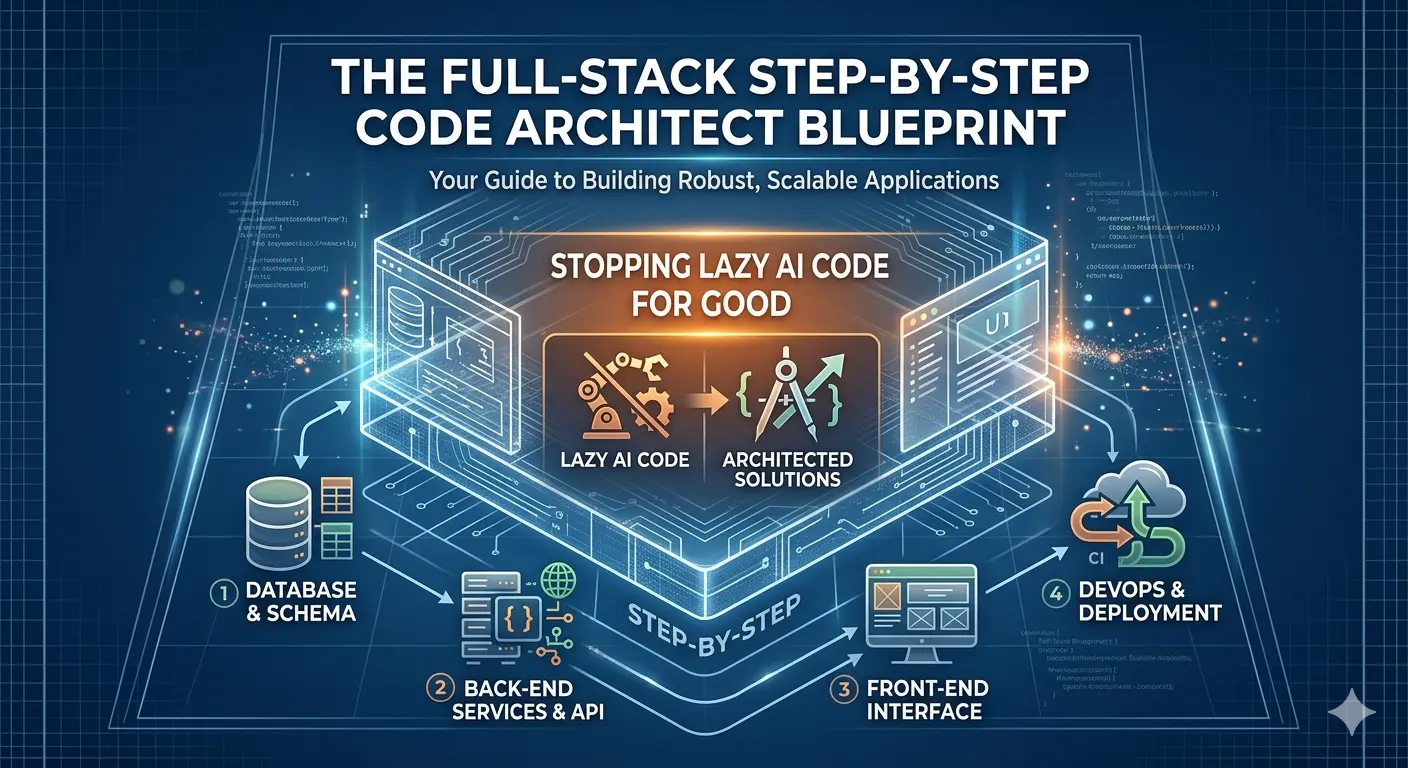
Here’s something every developer learns the hard way. You fire up your favorite AI assistant to whip up a full-stack, production-ready app. You give it all the details: your data models, business rules, even some UI quirks. At first, things look great. The config files are crisp, the models make sense. But then the AI gets tired. Suddenly, you see stuff like // TODO: Add remaining validation rules here or // ... your code logic goes here ... scattered where your app actually needs to do something real. So now you’ve got files that look finished, but deploying them only gives you headaches and error logs.
Why does this keep happening? Blame how large language models work. They have these “context windows”—basically, they can only generate so much text before they run out of room. If you ask for an entire project in one go, the AI cuts corners as it nears the end, leaving out key things: missing validation, incomplete database schemas, half-declared variables. The further it goes, the messier the code becomes.
Senior architects know you have to lock the AI into smaller phases. That’s called phase-gating. Instead of dumping everything into one mega-prompt, you break your build into clear, consecutive sections. You give instructions to finish one chunk perfectly, then move on. Picture it as managing a junior engineer—guiding step-by-step, making sure the foundation is solid before you let them hang drywall or install wiring.
Here—take this as a blueprint the next time you want your AI to build something real. The following template is tailored for a modern stack like Laravel, PHP, MySQL, Bootstrap, and your basic shared hosting setup, but you could adapt it all sorts of ways. The core idea is you don’t rush. You don’t let the model move on until a phase is truly shipped and reviewed.
Master Blueprint Prompt Template:
Project Name: [e.g., Subscription Management Engine]
Primary Tech Stack: Laravel 11/12, PHP 8.4, Bootstrap 5, MySQL, TinyMCE, Spatie Roles, Shared Production Hosting

You are a top-level full-stack architect and principal engineer. We’re going to build this project step-by-step for production-grade reliability. Don’t skip lines. Don’t use placeholders like "// code here". Don’t rush.

We’ll build in 5 strict developmental phases. Do not move to the next phase until I type: “PROCEED TO THE NEXT PHASE”.

—

PHASE 1: SYSTEM SCHEMA & ENVIRONMENT BLUEPRINT
1. Give me a live-production ready .env template. Handle special characters, set up daily error logging, and session encryption—the works.
2. Create migration files for every core database table, including foreign keys, cascading rules, indexes, and telemetry logs.

PHASE 2: AUTHENTICATION, ROLES & SECURITY
1. Map the User, Role, and Middleware architecture—including clear separation between Admin, Writer, User, etc.
2. Generate clean route definitions in web.php, grouping protected views cleanly and scrubbing out dead-end redirects or loose closures.

PHASE 3: BACKEND CONTROLLER MATRIX
1. Build the full backend Controller logic files. Include null checks, do proper counting for dashboard metrics, and nail all validation error handling.
2. For number crunching—like bounce rates or time calculations—make sure division-by-zero never breaks the app.

PHASE 4: LAYOUTS & RICH TEXT EDITORS
1. Output the main Blade layout wrapper—Bootstrap, responsive nav, validation alert stack, active route classes, user avatars as initials.
2. Show creation/edit forms hooked to TinyMCE 6 via CDN, prepped for AI-pasted HTML (tags, custom styles, code blocks, the whole lot).

PHASE 5: LAUNCH OPTIMIZATION & DEPLOYMENT AUTOMATION
1. Write the artisan console command loop (routes/console.php) for automated queue handling and daily DB cleanup.
2. Spell out server path formats for cron jobs—no lockups, no runaway timeouts, and safe for shared hosts.

—

Let’s start. Only send the full output for PHASE 1. Don’t write anything else. When you’re done, ask if you should move to Phase 2.
How Phase-Gating Makes AI Code Actually Work
This method is all about discipline. When you limit the AI to just one phase, it can focus all its “brainpower” on a manageable chunk, giving you complete, functional output with no shortcuts.
Here’s what a no-nonsense, Phase 1 result looks like for a real web app:
1. Bulletproof .env Configuration
A solid .env makes or breaks production. You need locked-down keys, no debug garbage, neatly quoted DB credentials, accurate logging, and tight session security. Here’s what that should look like:
APP_NAME="Application Hub"
APP_ENV=production
APP_KEY=base64:u95Kdf83JshDnc73KslApe92KshFnd82JskAldp4Msk=
APP_DEBUG=false
APP_TIMEZONE=UTC
APP_URL=https://yourdomain.com

LOG_CHANNEL=daily
LOG_DEPRECATIONS_CHANNEL=null
LOG_LEVEL=error

DB_CONNECTION=mysql
DB_HOST=127.0.0.1
DB_PORT=3306
DB_DATABASE="production_database_name"
DB_USERNAME="production_database_user"
DB_PASSWORD="Secure#Encapsulated*Password123!"

SESSION_DRIVER=database
SESSION_LIFETIME=120
SESSION_ENCRYPT=true
SESSION_PATH=/
SESSION_DOMAIN=yourdomain.com
2. Clean, Production-Grade Migrations
You want tables that are airtight—correct keys, no missing columns, proper indexes for speed, and telemetry built in from day one. For a publishing platform, your core might be posts, categories, and analytics tables set up like this:
<?php

use Illuminate\Database\Migrations\Migration;
use Illuminate\Database\Schema\Blueprint;
use Illuminate\Support\Facades\Schema;

return new class extends Migration {
    public function up(): void {
        // Core Categories
        Schema::create('categories', function (Blueprint $table) {
            $table->id();
            $table->string('name')->unique();
            $table->string('slug')->unique();
            $table->timestamps();
        });

        // Main Posts Ledger
        Schema::create('posts', function (Blueprint $table) {
            $table->id();
            $table->foreignId('user_id')->constrained()->onDelete('cascade');
            $table->foreignId('category_id')->constrained()->onDelete('restrict');
            $table->string('title');
            $table->string('slug')->unique();
            $table->text('short_description');
            $table->longText('body');
            $table->string('thumbnail')->nullable();
            $table->enum('status', ['draft', 'published'])->default('draft');
            $table->string('meta_title')->nullable();
            $table->text('meta_description')->nullable();
            $table->timestamps();

            $table->index(['status', 'created_at']);
        });

        // Analytics Logs
        Schema::create('post_analytics', function (Blueprint $table) {
            $table->id();
            $table->foreignId('post_id')->constrained()->onDelete('cascade');
            $table->unsignedBigInteger('clicks')->default(0);
            $table->unsignedBigInteger('total_seconds_spent')->default(0);
            $table->unsignedBigInteger('bounces')->default(0);
            $table->timestamps();
        });
    }

    public function down(): void {
        Schema::dropIfExists('post_analytics');
        Schema::dropIfExists('posts');
        Schema::dropIfExists('categories');
    }
};
Why Phase-Gating Actually Works
Here’s why this structure wins out over the usual copy-paste-and-pray workflow:
- You get complete files—no
// TODOtrash, no missing error handling, no half-baked placeholders. - Architectural mistakes get caught early, before you waste time writing business logic on a broken schema.
- Deployments get boring—in a good way—since configs and environment quirks are nailed up front.
When you manage your AI like a solid engineer—one step at a time—it stops shipping lazy code and starts delivering projects you can actually roll out with some pride.
General Disclaimer: The articles published on Milestone Journey are gathered from various research materials, code repositories, and documentation sources. While we strive to update our core codebase regularly, technical specifications may change over time. Content is provided for informational and educational purposes only.
Discussion (0)
Leave a Reply
No confirmed discussions contributed yet. Be the first to start the thread!