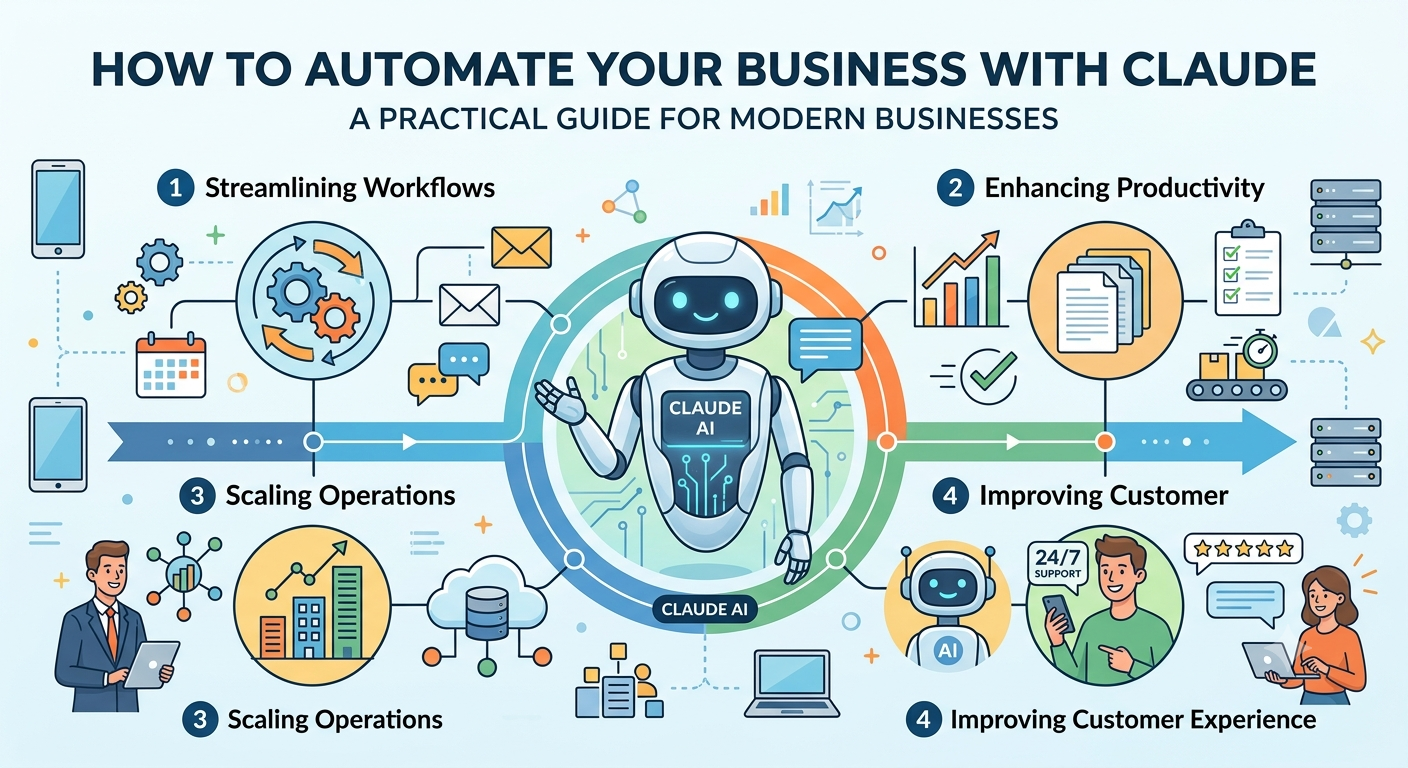
Running a business these days means dealing with a ton of repetitive tasks answering customer questions, organizing files, sending emails, making reports, managing content, and keeping internal communication smooth. You blink, and hours are gone.
That’s where AI really steps up. Claude, from Anthropic, is one of the smartest assistants out there. It can handle complex instructions, churn out solid content, sift through huge piles of information, and automate routine work without much tech know-how.
Whether you’re flying solo, running a startup, managing an agency, or leading a larger team, Claude helps you reclaim your time, boost productivity, and focus on what really matters.
This guide shows you how to automate your business with Claude. You’ll find practical examples, tips, best practices, and learn how to squeeze the most value out of AI.
What Is Claude?
Claude is an AI assistant made by Anthropic. It’s basically your extra pair of hands it tackles a wide range of jobs using everyday language. Instead of slogging through repetitive work, you just say what you need, and Claude delivers polished results in seconds.
Here’s what Claude can do:
- Write emails and business documents
- Summarize long reports
- Analyze spreadsheets
- Generate marketing content
- Brainstorm ideas
- Answer customer support questions
- Help write and review code
- Create business processes and documentation
No need for complicated programming or workflow setups. Just plain English and quick results.
Why Businesses Are Using Claude
Claude’s catching on because it cuts down manual work and keeps everything consistent and productive.
The big perks?
- Saves hours each week
- Helps employees stay focused and productive
- Creates professional content
- Handles boring admin tasks
- Supports stronger decisions
- Cuts costs
- Fits in with multiple departments
Claude isn’t here to replace your team it’s here to help them get work done faster and with fewer mistakes.
Ways to Automate Your Business with Claude
1. Automate Customer Support
Customer service teams answer the same questions over and over. Claude can generate responses for things like:
- Product details
- Pricing
- Shipping updates
- Refunds
- Booking appointments
- Service availability
Support agents just review and send response times drop, and customers get answers quickly.
2. Write Professional Emails
Business communication is a time sink. Claude can whip up:
- Client proposals
- Follow-ups
- Meeting recaps
- Project updates
- Payment reminders
- Welcome emails
- Internal announcements
Just give Claude a few details, and you get a polished email in seconds.
3. Create Marketing Content
Marketing always needs fresh content. Claude helps with:
- Blog posts
- Social captions
- Product descriptions
- Landing page copy
- Website content
- Ad copy
- Newsletters
Now your marketing team can keep up with content demands and keep quality high.
4. Generate Reports and Summaries
Nobody has time to sift through long documents. Claude can summarize:
- Meeting notes
- Research reports
- Sales figures
- Financial updates
- Customer feedback
- Business proposals
Get a clear summary highlighting the essentials no more endless reading.
5. Organize Internal Documentation
Every business needs docs. Claude helps with:
- Standard Operating Procedures (SOPs)
- Employee handbooks
- Training guides
- Process documentation
- Company policies
- Knowledge base articles
It keeps everything organized, up-to-date, and easy to find.
6. Improve Sales Operations
Sales teams get bogged down prepping documents. Claude helps by creating:
- Sales proposals
- Client presentations
- Follow-up sequences
- Lead qualification questions
- CRM notes
- Sales scripts
Now reps can spend more time actually closing deals.
7. Analyze Business Data
Claude digs into business info and pulls out what matters most:
- Customer trends
- Sales performance
- Top questions
- Bottlenecks
- Insights
You skip the manual data review and go straight to what needs your attention.
8. Support Software Development
Developers get a boost from Claude too:
- Explains code
- Debugs errors
- Generates docs
- Reviews code quality
- Suggests improvements
- Creates API documentation
Makes the development process smoother, start to finish.
Real-World Business Automation Examples
Digital Marketing Agency
They use Claude for drafting blog posts, ad copy, meeting summaries, and monthly reports.
E-commerce Store
Claude generates product descriptions, handles customer questions, writes promo emails, and builds FAQ pages.
Consulting Business
Consultants ask Claude for proposals, meeting summaries, research organization, and presentation content.
Software Company
Development teams tap Claude for documentation, debugging, code explanations, and technical writing.
Best Practices for Using Claude
To get great results:
- Be clear and specific with instructions
- Give Claude the right context
- Break big tasks into smaller chunks
- Always review AI-generated stuff before you share
- Keep confidential info protected
- Build reusable prompts for tasks you repeat
- Blend Claude into your current workflows
Your instructions make all the difference in the results you get.
Common Business Tasks You Can Automate
- Writing emails
- Creating content
- Summarizing documents
- Answering customer support
- Taking meeting notes
- Planning projects
- Brainstorming
- Business documentation
- Data analysis
- Social content
- Running marketing campaigns
- Research
- Coding help
- Workflow docs
- Knowledge management
Limitations to Keep in Mind
Claude’s smart, but don’t let it call the shots on critical decisions.
Always check AI-generated content before you:
- Publish business documents
- Send legal communications
- Share financial details
- Make strategic moves
- Talk to high-value clients
Note: Think of it as your smart assistant not a stand-in for real expertise.
Tips to Maximize Productivity
Here’s how to get more from Claude:
- Save your best prompts for reuse
- Make templates for repeat jobs
- Train your team on good prompting
- Automate simple workflows first
- Keep improving your instructions
- Double-check for accuracy and branding
Better prompts mean better results small tweaks go a long way.
Conclusion
Automation isn’t just for big corporations anymore. With Claude, any business can offload repetitive work, ramp up productivity, and make day-to-day operations a breeze.
Whether it’s emails, marketing, documentation, reports, or customer support, Claude saves you time so you can focus on what matters most.
The top businesses aren’t ditching their teams for AI they’re using tools like Claude to help everyone work smarter. Start small, measure your time savings, and grow your automation from there. Over time, these changes lead to huge jumps in productivity.
Disclaimer & Growth Note: Milestone Journey is a multi-disciplinary ecosystem dedicated to continuous improvement across full-stack development, high-performance SEO, execution strategies, and lifestyle optimization. While every article is designed to deliver tactical, actionable value to upgrade your digital projects and workflows, insights are synthesized from evolving research, documentation, and dynamic codebase updates. Content is provided strictly for informational and educational purposes.
Discussion (0)
Leave a Reply
No confirmed discussions contributed yet. Be the first to start the thread!